
01
App Home
Log In and Select Membership
Install the Ready Health app and open it on your smartphone.
Connect with healthcare professionals, manage your organization profile, publish job circulars, and explore available membership features through the Ready Health ecosystem.
01
Create Account
02
Select Membership
03
Get Connected
Build your organization profile and present your healthcare services professionally.
Explore healthcare professionals and recruitment-related features available to your account.
Access membership information and supported digital membership features after completing the required process.
Available Memberships
Loading membership plans…
App Guide
Use this visual guide to understand where to find membership options and how to complete the process.
Install the Ready Health app and open it on your smartphone.
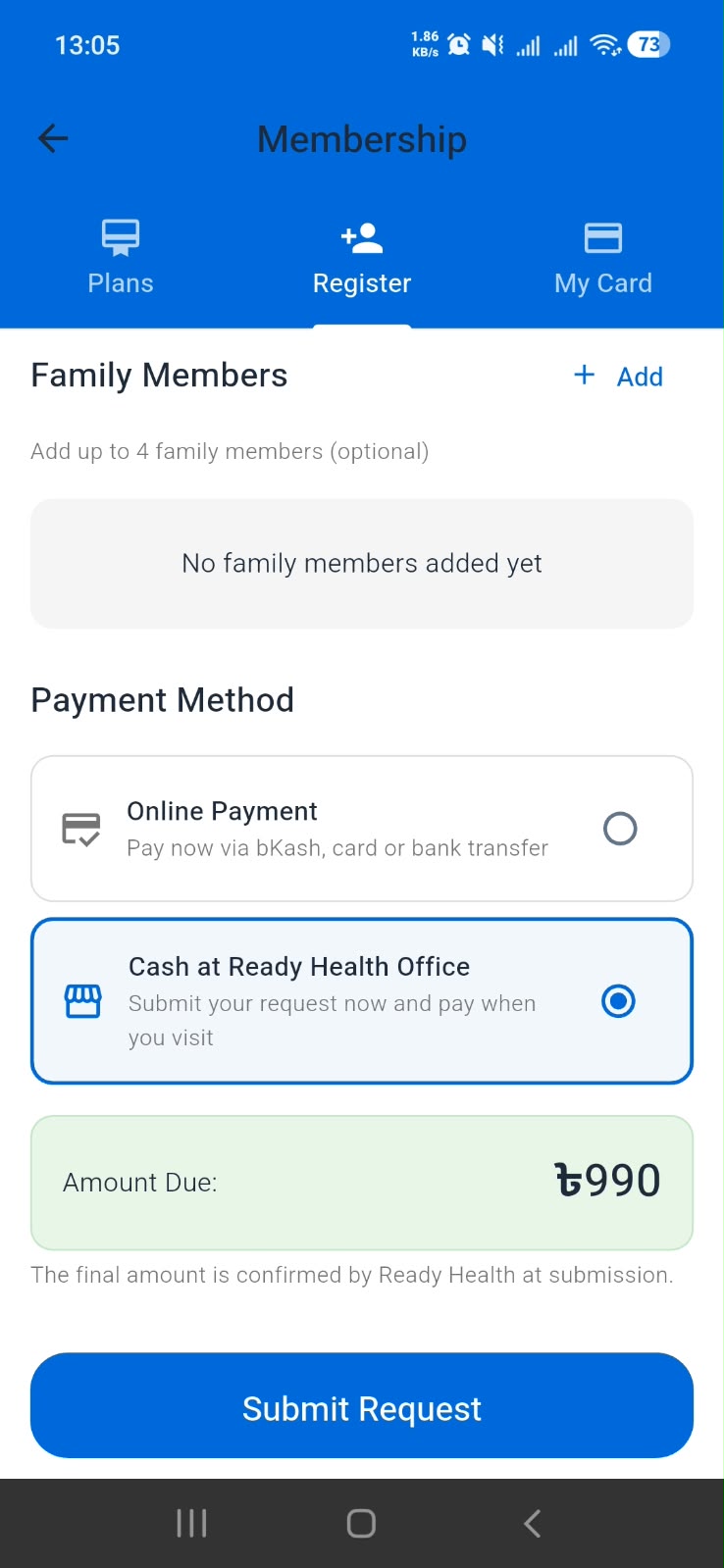
Log in to your account, locate the Membership button, and review the available membership options.
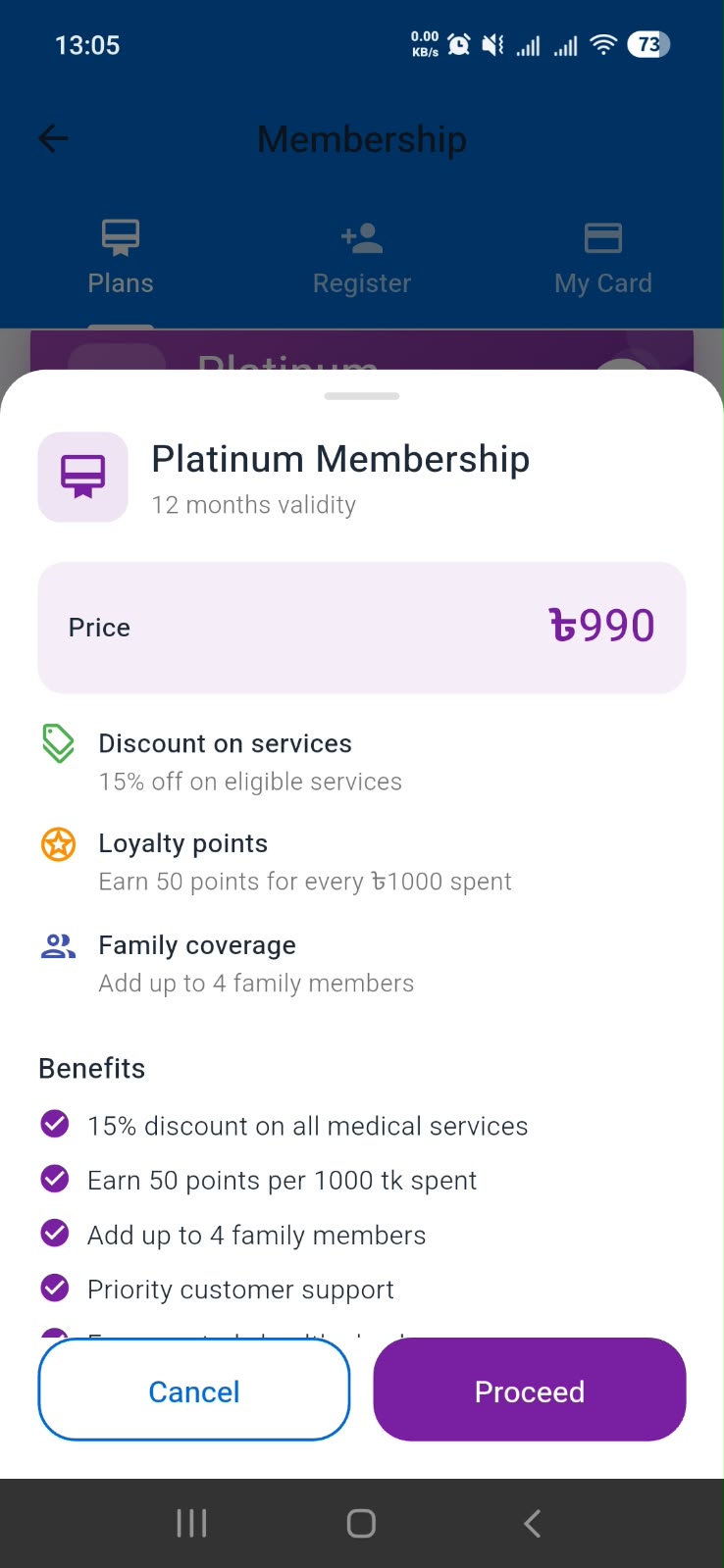
Choose your membership and complete payment online or through the Ready Health office process.
Membership Benefits
Explore the features designed to support healthcare organizations and recruitment activities through Ready Health Connect.
Publish healthcare vacancies and provide applicants with clear job information.
Explore available professional profiles and find suitable candidates for your organization.
Submit requests to the Ready Health Connect Admin when additional candidate information is needed.
Present your hospital, clinic, diagnostic center, laboratory, or healthcare business professionally.
Keep your job circulars and recruitment activities organized through available platform features.
Use your digital membership card and membership ID when these features are enabled for your account.
How It Works
Follow the steps below to explore membership options and complete the required process.
Download and install the official Ready Health app on your smartphone.
Open the app and log in using your Ready Health account. Create an account first if you do not already have one.
Find and tap the Membership button in the app to explore the membership options available to you.
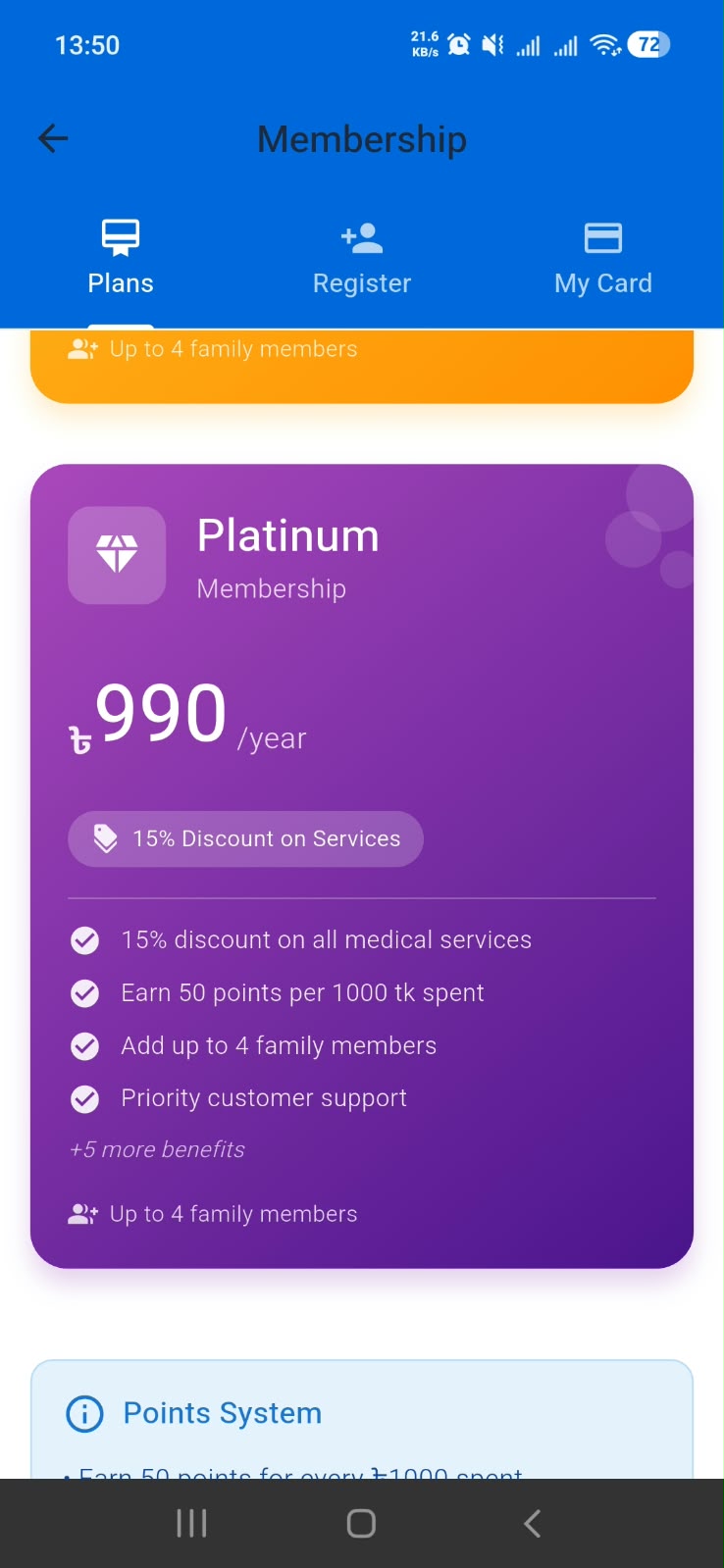
Review the available membership plans, select the option that suits your needs, and follow the instructions.
Pay online through the available payment method, or visit the Ready Health office to pay and complete the membership process.
After the required process is completed and your membership is activated, check the supported membership or profile section for your digital card.
Select an available membership plan in the app and complete the payment using one of the payment methods provided during the membership process.
If you prefer to pay in person, visit the Ready Health office to make the payment and complete the required membership process.
Begin Your Membership Journey
Download the app, log in, and tap Membership to review the available plans.
What Is Included
Organization membership is designed to help healthcare organizations present their services and access available recruitment features through Ready Health Connect.
Organization Gold Premium membership card preview
Organization membership identification
Organization profile management features
Healthcare job circular creation
Access to available candidate discovery features
Candidate information request submission
Recruitment management features
Membership information and support
Membership Preview
Premium membership card preview




Ready Health Connect
Community
Click anywhere to continue